
Bilgi Merkezi
19. Can I pay via wire transfer?
Sure you can. And it's extremely easy:
1. Start the normal purchase procedure, specifying that you're going to pay with a credit card. (Don't worry, you will change the option later on in our payment gateway).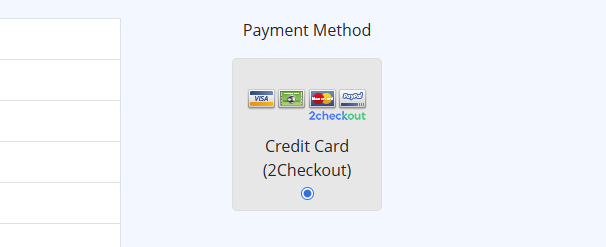
2. Go on finalizing the procedure: once you are transferred to 2Checkout, select the third button "Wire Transfer".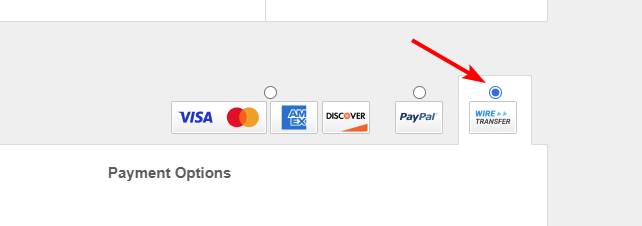
3. You will then get the instructions about how to proceed. Remember that being a wire transfer, the payment will not be processed immediately: hence to get your turboSMTP new credit you must wait around 3 days (it's what it normally takes a bank to process the operation).
Also Read
8. Can I manage my account online?
(Görüntülenme: 1465619)
8. Can I manage my account online? (Görüntülenme: 1465619)
5. Do I need a Credit Card to activate a Free Trial?
(Görüntülenme: 1024687)
5. Do I need a Credit Card to activate a Free Trial? (Görüntülenme: 1024687)
12. I have more than one email address. Should I open multiple accounts?
(Görüntülenme: 1453686)
12. I have more than one email address. Should I open multiple accounts? (Görüntülenme: 1453686)
35. My ISP blocks outgoing mail on port 25. What can I do?
(Görüntülenme: 25444246)
35. My ISP blocks outgoing mail on port 25. What can I do? (Görüntülenme: 25444246)
21. I have made a payment, but the invoice seems still unpaid. What should I do?
(Görüntülenme: 1053226)
21. I have made a payment, but the invoice seems still unpaid. What should I do? (Görüntülenme: 1053226)
|
|

